




Ikaros
The Ikaros software provides scalable and innovative solutions for karyogram creation and fluorescence imaging.
Everything You Know. Just Improved.
For over 30 years, Ikaros has defined the standard for modern workflows in cytogenetics. Now, with version 7, the proven software takes a major leap forward - featuring a fully redesigned interface and the integration of artificial intelligence driven by Deep Neural Networks (DNNs). These enhancements deliver a secure workflow that streamlines the verification of automated result suggestions, pushing precision and innovation to new heights.
Familiar Workflows. New Possibilities.
Although Ikaros 7 has been completely redeveloped, its core functionality and familiar interface remain largely unchanged. This ensures that experienced Ikaros users can transition smoothly to the new version with minimal adjustment. At the same time, Ikaros 7 introduces a wide range of new features designed to make routine tasks faster and easier. As with all MetaSystems software, users remain in control - choosing which new tools and functions to integrate into their workflow.
Ikaros 7 continues to support highly adaptable processes, tailored to individual lab needs: with or without automation, with or without AI, exactly as required. Ultimately, the user remains the final decision-maker, which is why Ikaros 7 places strong emphasis on the expert’s final review and evaluation.
Highlights
- Deep Neural Networks (DNNs) assist in metaphase detection,
chromosome segmentation and assignment, as well as band count estimation. - The brand-new Flex Mode allows for precise correction
and adjustment of segmentation errors during review - A transparent and traceable confirmation workflow
supports the validation of machine-generated karyogram proposals. - Customizable case and cell workflow states
ensure that all changes can be tracked in detail. - Multiple configurable views enable
tailored work environments for every user and every workflow stage. - Integrated macro engine to automate repetitive actions.
Slide In. Karyogram Draft Out.
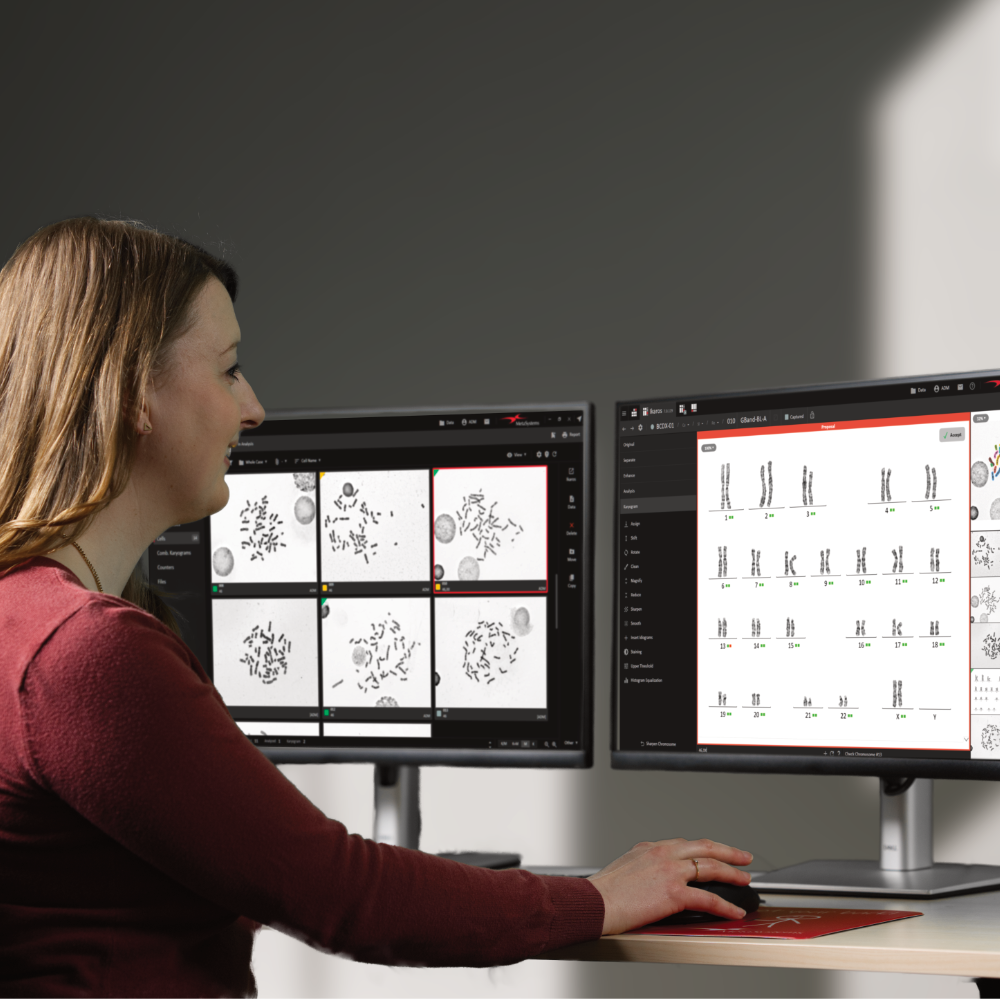
The fully automated, DNN-based workflow for creating preliminary karyogram drafts runs entirely in the background. Artificial intelligence can already assist during metaphase detection and quality sorting, enhancing the accuracy of the search results. Alongside the metaphase images, users are provided with karyogram proposals and band count estimations clearly labeled as drafts. These suggestions only become part of the official case data - and are included in reports and data summaries - once the user has explicitly approved them.

Q&A
Question: Does Ikaros 7 fully automate the creation of karyograms?
Answer: No. In the new Ikaros, the DNN capabilities facilitate the segregation of chromosomes and their categorization into the appropriate karyogram classes. This process yields a preliminary suggestion that requires further assessment and potential modification by a skilled user. Ultimately, the cytogeneticist is responsible for creating the final karyogram and conducting its analysis.
Question: Can I change the results of the DNN-based chromosome segregation and assignment?
Answer: Yes, once Ikaros generates a karyogram proposal via its DNN features, users have the possibility and the responsibility to review and, if needed, amend this proposal. They have access to the same respective tools that have been present in earlier versions of Ikaros. Nevertheless, when an appropriate DNN is utilized, it is anticipated that the need for manual adjustments will be considerably reduced compared to the machine learning algorithms used in prior versions.
Question: How much time will the new DNN-based functions save me per case or per karyogram?
Answer: The response to this inquiry is contingent on various elements. Factors such as the nature of preparations, working methods employed, and the time allocated for result verification and reporting all play crucial roles in determining processing time. Nonetheless, insights from laboratories that have adopted the new feature indicate a noticeable decrease in case processing times, attributed to the diminished requirement for manual intervention in contrast to the algorithms previously in use.
Question: Is it necessary to replace my current Ikaros installations to access the new functionalities?
Answer: No, there is no need for a replacement. Starting with version 6.3, every new version of Ikaros comes ready for DNN-based chromosome separation and classification and can be upgraded to include this feature. For efficient handling of DNN operations, an additional graphics card is needed to facilitate the computations. This card can be installed directly in the workstation or in a distinct system. For further information on the technical options available, please feel free to get in touch with us.
Eine Software. Alle Farben.
Entdecken Sie die nächste Generation der Fluoreszenzfarbenbildgebung mit Ikaros 7 von MetaSystems. Ikaros 7 wurde für Klarheit und Flexibilität entwickelt und verbessert die Visualisierung selbst subtilster Fluoreszenzsignale, wodurch eine präzise und detaillierte Analyse ermöglicht wird. Integrierte Arbeitsabläufe vereinfachen komplexe Aufgaben, reduzieren manuelle Schritte und gewährleisten einen reibungslosen, effizienten Bildgebungsprozess von der Erfassung bis zur Auswertung.
Mit intuitiven Bedienelementen, anpassbaren Einstellungen und integrierter Automatisierung unterstützt Ikaros 7 Anwender aller Erfahrungsstufen und macht die fortgeschrittene Bildgebung zugänglicher, ohne Kompromisse bei der Leistung einzugehen. Vollständige Rückverfolgbarkeit und konsistente Ergebnisse bieten die für klinische Labors und Forschungsumgebungen erforderliche Zuverlässigkeit und ermöglichen es Anwendern, schneller, genauer und sicherer zu arbeiten.
Highlights
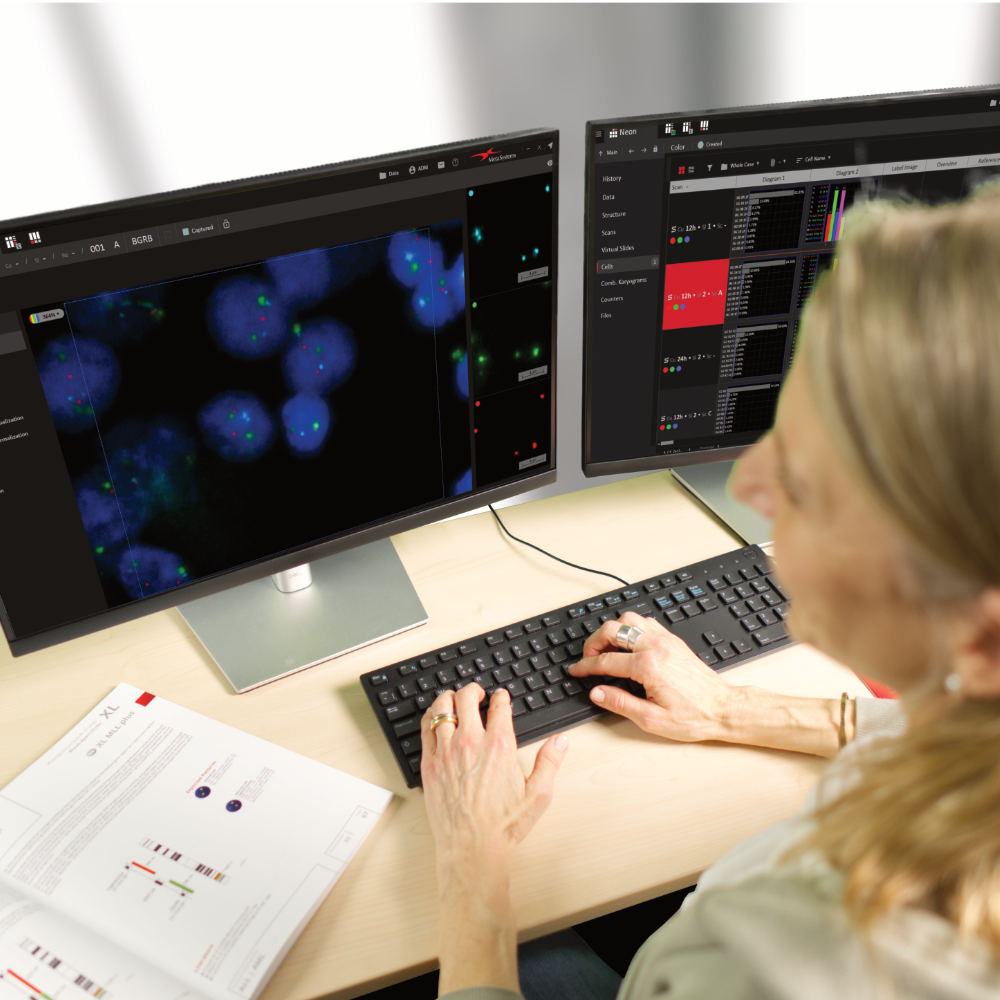
- Supports up to 12 independently acquired and processed color channels
- Each channel comes with customizable display settings,
including display color, relative intensity, inversion, and visibility. - Superimposed images can be displayed in four modes:
grayscale, individual colors, blended, and false-color. - Quick switching between two preset color modes is available.
- View settings allow multiple color modes on one screen with optional linked zoom.
- Image processing steps can be easily applied to the next image using the Repeat function.
- An unlimited number of counting functions
enable manual recording of items (e.g., FISH signals) directly on the screen.
All Cases. Instantly Clear.
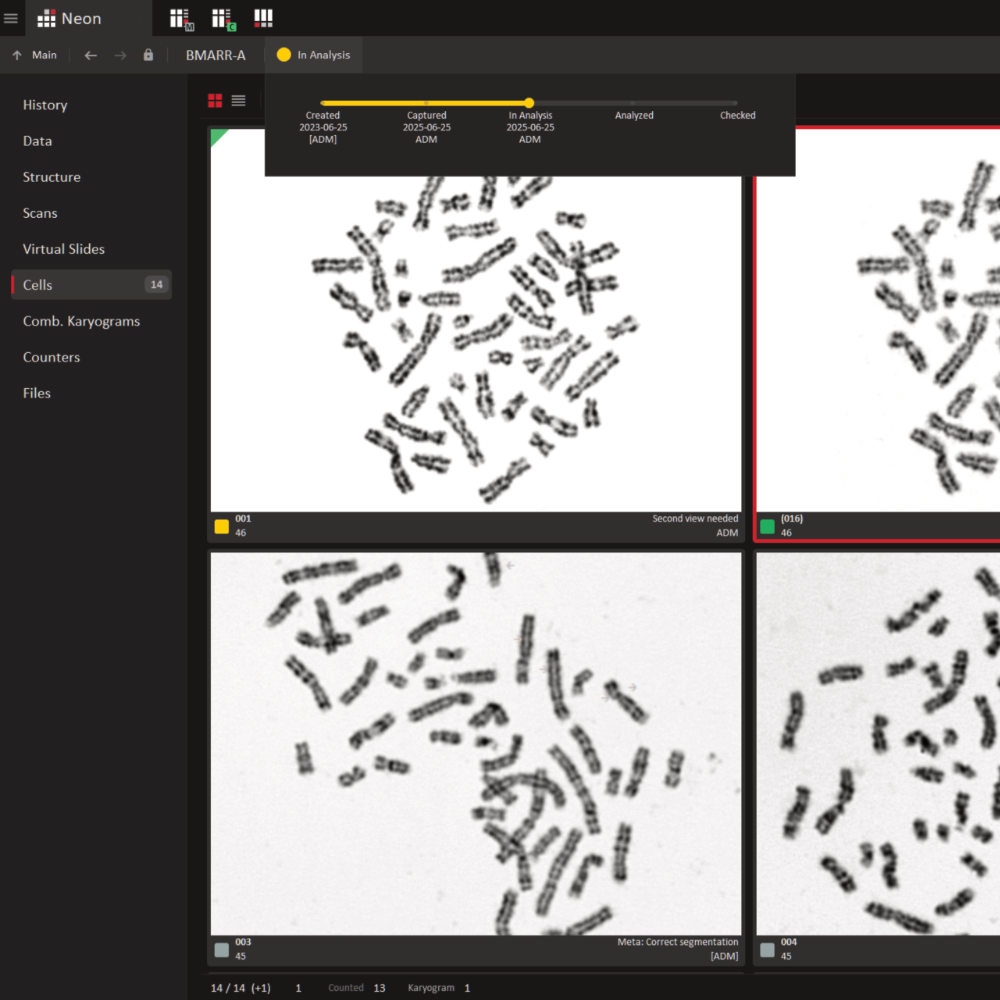
The exceptional flexibility and user-friendliness of Ikaros goes far beyond the core software itself. Every Ikaros installation includes Neon, an accessory that manages all data and workflow organization. Every image captured using Ikaros or Metafer is automatically registered, indexed, and assigned to the corresponding case by Neon. As users begin working with the image or case, Neon logs every action - providing complete transparency and allowing other team members to instantly see the current processing status.
A clean, easy-to-read case table summarizes all key information for each case on the selected data storage location. Additional details - such as patient information, user notes, or results - can be displayed as needed. Powerful yet intuitive filter and search options make it easy to locate any case in seconds. Cases can also be sorted or filtered by processing status or urgency.
While Ikaros can be utilized as a standalone installation, its optimal performance is demonstrated in an environment where multiple workstations collaborate to create an integrated imaging solution. Consequently, Ikaros can be seamlessly integrated into various setups, including karyogram creation stations (Ikaros Karyo M), fluorescence imaging stations (Ikaros BASE C and Ikaros Karyo C), data management stations, or review stations (Ikaros Review). With MetaSystems solutions, the scalable multiuser network can be expanded at any time to accommodate growing demands.
When paired with the Metafer software for image acquisition and the detection, classification, and counting of cells, collaborative workspaces can be established, blending performance with high user convenience and robust data security.
Functions that were previously offered as Isis have been merged into the new overall package of the Ikaros software. When updating an existing system, we will of course adapt your licenses so that the range of functions does not change to your disadvantage.
- Smart Karyogram Creation (621.5kB)
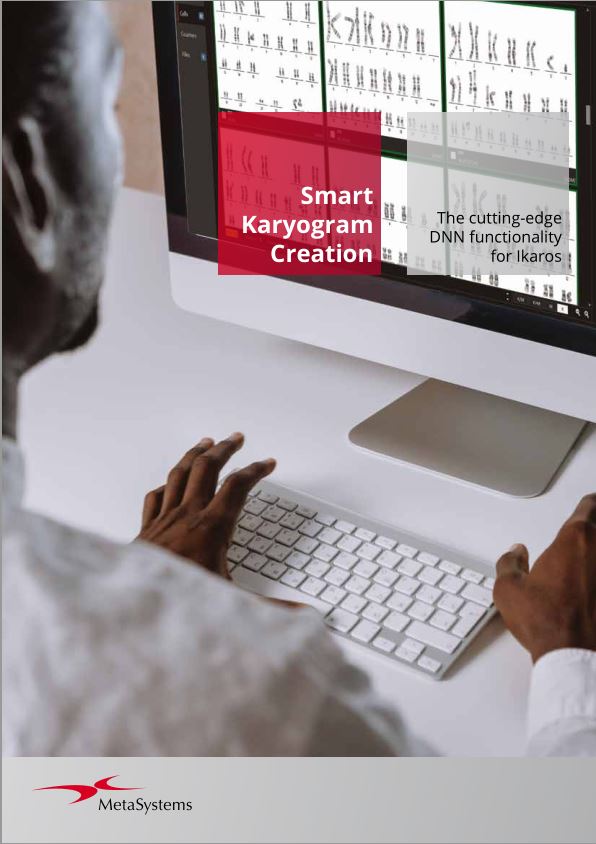
Chromosome analysis serves as a cornerstone in cytogenetics. And Ikaros has long provided a suite of algorithms aimed at facilitating the workflow and to reduce the number of interactions. Yet, despite these advancements, creating a karyogram remained to be a time-intensive task. Recent progress in deep learning has greatly improved the choices available, offering a more efficient approach.
- Ikaros (8.7MB)
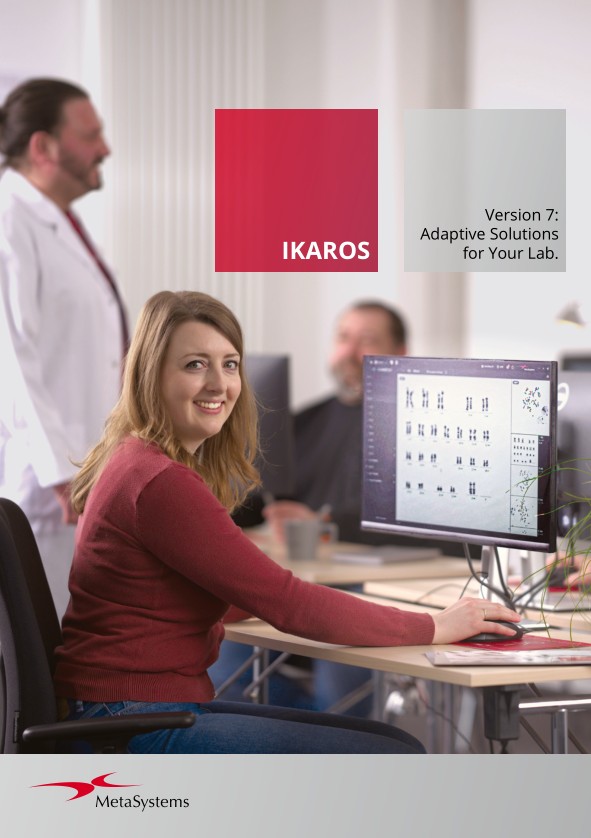
For over 30 years, Ikaros has defined the standard for modern workflows in cytogenetics. Now, with version 7, the proven software takes a major leap forward - featuring a fully redesigned interface and the integration of artificial intelligence driven by Deep Neural Networks (DNNs). These enhancements deliver a secure workflow that
streamlines the verification of automated result suggestions, pushing precision and innovation to new heights.Also available in: - Case and Image Data Management (3.0MB)
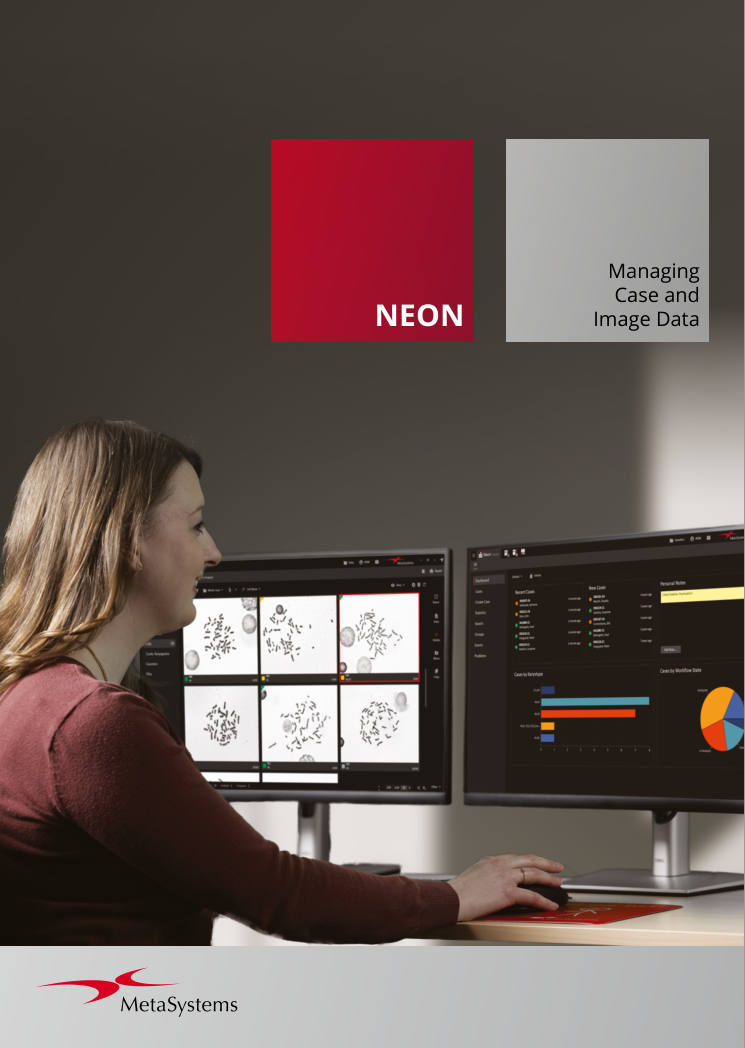
Neon is a versatile solution designed for the seamless and reliable management of image and case data. Built to gather information from multiple sources, it organizes everything into a streamlined workflow for maximum efficiency. Fully integrated across all MetaSystems installations, Neon ensures that essential data is always accessible, whenever and wherever it’s needed.
Also available in: - White Paper: Smart Karyogram Creation with Ikaros (328.0kB)
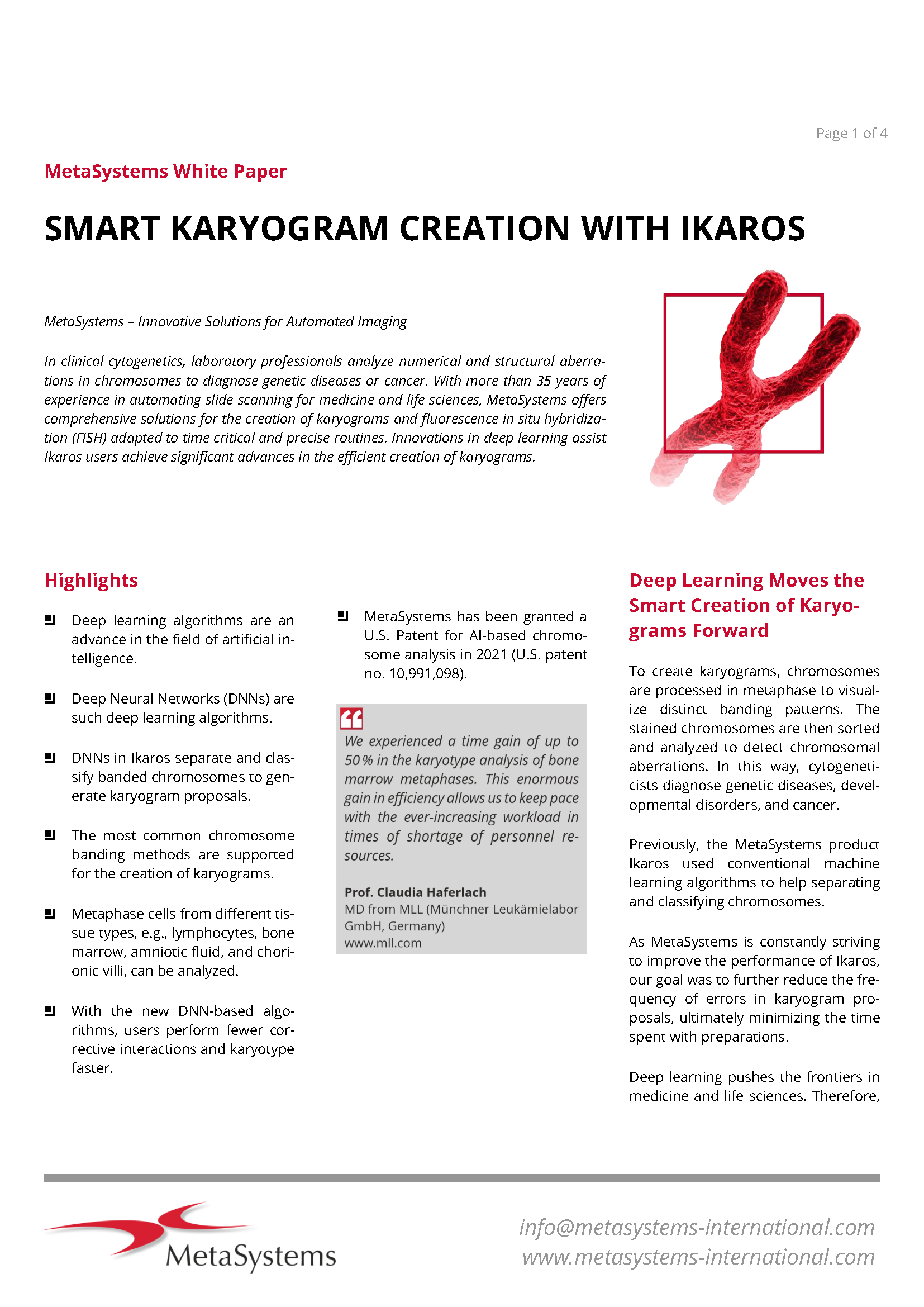
In clinical cytogenetics, laboratory professionals analyze numerical and structural aberrations in chromosomes to diagnose genetic diseases or cancer. Deep Neural Networks (DNNs), a recent innovation in artificial intelligence, separate and classify banded chromosomes to generate karyogram proposals in Ikaros.
- Flyer: CoolCube 1P (118.6kB)
USB camera for either monochrome or color image capture.
- Flyer: MetaLED FL (448.8kB)
The MetaLED FL LED light source offers homogenous illumination and a high luminous flux for fluorescence imaging applications.
Ikaros 7.0 and Metafer 4.4 are classified as in vitro diagnostic Software as Medical Device (SaMD) Class A in the European Union in accordance with the In Vitro Diagnostics Regulation (EU) 2017/746 (IVDR) and carries the CE label unless otherwise indicated.
MetaSystems products are used in many countries worldwide. Use all MetaSystems IVD products only within the scope of their intended purpose and the regulations of the respective country or region.
Neon 2.0 is classified as an accessory for in vitro diagnostic medical devices (IVD) in the European Union in accordance with the In Vitro Diagnostics Regulation (EU) 2017/746.
Hardware components supplied by third-party manufacturers are not included in MetaSystems IVD products.